
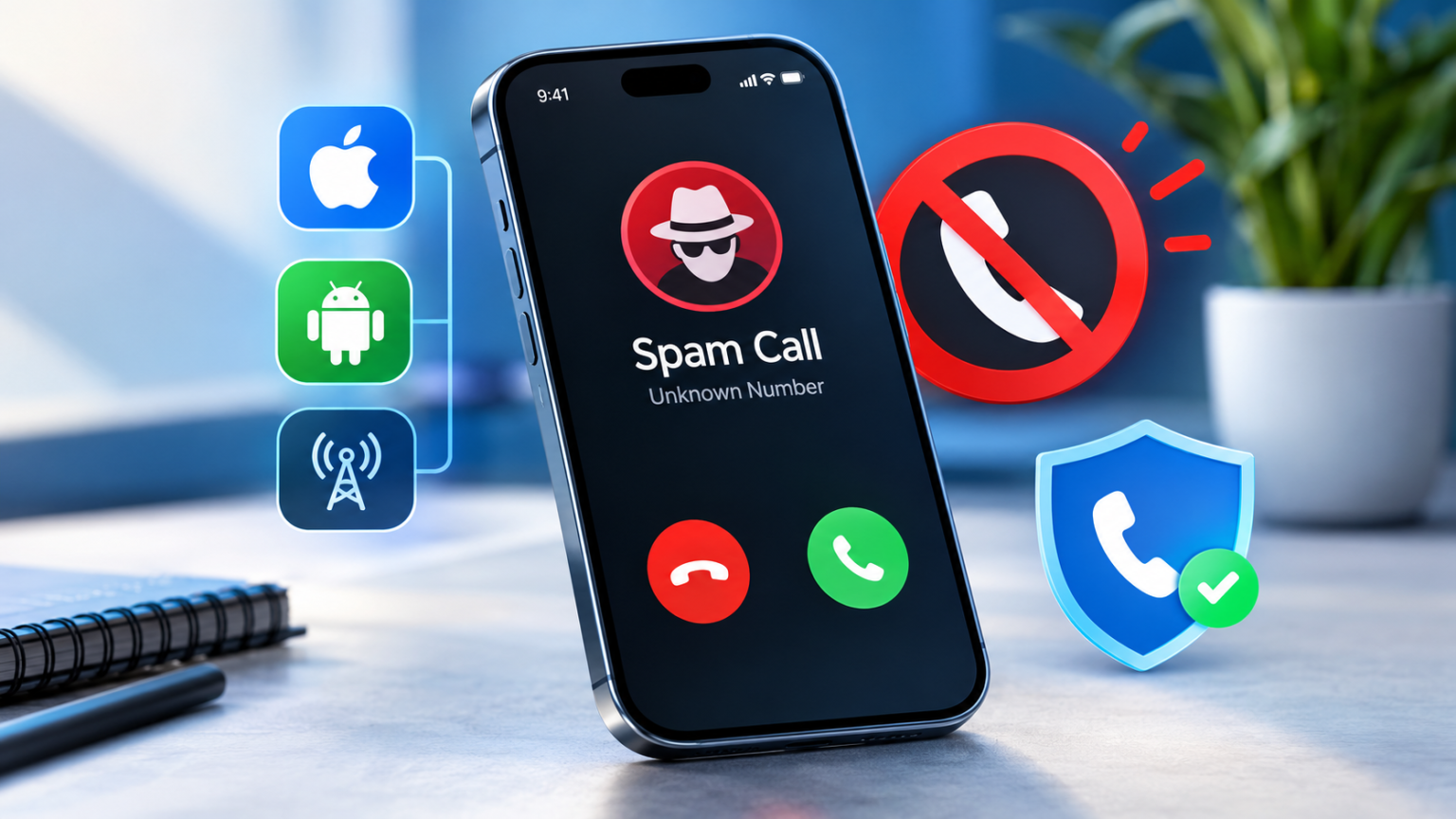
Your phone buzzes. Unknown number. You answer, and it’s a robotic voice telling you your car warranty is about to expire. Again.
Spam calls are exhausting, but you can fight back, and you don’t need to be a tech wizard to do it. Here’s everything that works, whether you’ve got an iPhone, an Android, or even a landline.
Why You’re Getting So Many Spam Calls
Scammers and telemarketers get your number from data breaches, public records, shady websites, and apps that sell your info. Many also just auto-dial random numbers until someone picks up. Once you answer, your number gets flagged as “active,” and the calls multiply.
A quick breakdown of who’s calling:
- Robocalls are automated recordings.
- Telemarketers are real people (or call centers) selling something.
- Spoofed calls fake the caller ID, often to look like a local number or even yours.
Quick Wins That Work on Every Phone
Before touching any settings, adopt three habits:
- Don’t answer unknown numbers. If it’s important, they’ll leave a voicemail.
- Never press buttons or say “stop calling me.” Pressing 1 or 2 tells the system a real human is there, and that makes you a bigger target.
- Let voicemail screen for you. Real callers leave messages. Scammers usually hang up.
How to Stop Spam Calls on iPhone
Apple gives you a few solid tools:
- Silence Unknown Callers: Go to Settings > Phone > Silence Unknown Callers. Calls from numbers not in your contacts go straight to voicemail. Just keep in mind that this can also catch legit calls, like a doctor’s office or delivery driver.
- Call Screening and Live Voicemail: On newer iOS versions, your iPhone can screen unknown callers and show you a live transcript of what they say before you pick up. Super handy.
- Block and report: Tap the “i” next to a number in your recent calls, then choose Block This Caller. You can also report junk from the Phone app.
- Carrier filters: Turn on your carrier’s spam protection (more on that below).
How to Stop Spam Calls on Android
Android makes this pretty easy, especially on Google and Samsung phones:
- Caller ID & Spam Protection: In the Google Phone app, tap the three dots > Settings > Caller ID & spam, then toggle on “Filter spam calls.”
- Call Screen (Pixel): Google’s assistant answers for you and asks what the caller wants. You see the transcript live and decide whether to pick up.
- Samsung Smart Call: Galaxy phones can identify and flag suspicious callers automatically. Check the Phone app’s settings to turn it on.
- Manual blocking: Long-press a number in your call log and tap Block.
Menu names shift slightly between brands and software versions, so if you don’t see something right away, search “spam” in your phone’s settings.
Use Your Carrier’s Free Spam Protection
Most people never turn this on, and it’s free. Verizon has Call Filter, AT&T has ActiveArmor, and T-Mobile has Scam Shield. Each one flags or blocks suspected spam before it even reaches you. Download the carrier’s app or check your account settings to enable it.
Bonus trick: if you get a spam text, forward it to 7726 (it spells “SPAM”). That reports it to your carrier so they can block similar ones.
Best Third-Party Spam Blocker Apps
Apps like Hiya, Truecaller, and RoboKiller can add another layer of protection. When choosing one, look at:
- Database size: More reported numbers means better blocking.
- Price: Many have solid free versions, while premium tiers add extras.
- Privacy: Some apps want access to your whole contact list. Read the permissions before you hit install.
If an app is free and asks for everything, ask yourself how it’s making money. Your data may be the answer.
Register Your Number on the Do Not Call List
Head to donotcall.gov and sign up. It takes about two minutes. Legit companies are supposed to stop calling you within 31 days.
Here’s the catch: scammers don’t follow the rules. The list cuts down on legal telemarketers, but it won’t stop criminals. Think of it as one layer, not the whole shield.
Stop Spam Calls on Landlines and VoIP
No smartphone settings here, so you’ll need other tools. Call-blocking devices plug into your landline and screen calls using blocklists. For VoIP and internet phone lines, services like Nomorobo can filter robocalls automatically. Many VoIP providers also have built-in blocking, so check your account dashboard.
How to Spot a Scam Call Before It Costs You
Some scripts show up again and again:
- “IRS” or government calls threatening arrest or demanding payment
- Bank fraud alerts asking you to “verify” your account
- Package delivery problems with a link or callback number
- Tech support claiming your computer has a virus
Red flags include urgency, threats, requests for gift cards or wire transfers, and anyone asking for passwords or codes. Real organizations don’t work that way.
If you already shared personal info, act fast. Contact your bank, freeze your credit, change affected passwords, and report it to the FTC at reportfraud.ftc.gov.
How to Report Spam Calls
Reporting helps everyone. You can file complaints with the FTC (reportfraud.ftc.gov) and the FCC (consumercomplaints.fcc.gov). You can also report straight from your phone’s call log or through your carrier’s app, which helps improve their blocking.
Keep Your Number Off Spammers’ Lists
Prevention beats cleanup. A few smart moves:
- Be picky about where you enter your number. Contest forms, store loyalty programs, and random websites are common leak points.
- Use a secondary number (like a free Google Voice number) for sign-ups.
- Opt out of data broker sites that sell your info. It’s tedious, but it makes a real difference.
Frequently Asked Questions
Why do spam calls look like they’re from my number?
That’s spoofing. Scammers fake caller ID because people are more likely to answer familiar-looking numbers. Your number hasn’t been hacked.
Will blocking a number stop the calls?
Only from that number. Scammers rotate through hundreds, so blocking one at a time is a losing game. Use filters and carrier tools instead.
Should I change my phone number?
Usually not. It’s a hassle, and new numbers often get spam too. Try the steps above first.
Final Thoughts: Your Spam-Free Phone Checklist
- Stop answering unknown numbers
- Turn on your phone’s built-in spam filter
- Enable your carrier’s free protection
- Sign up for the Do Not Call list
- Report scams to the FTC
- Guard your number online
You won’t eliminate spam completely, but stack these steps together, and your phone gets a whole lot quieter. Go enjoy it.
