
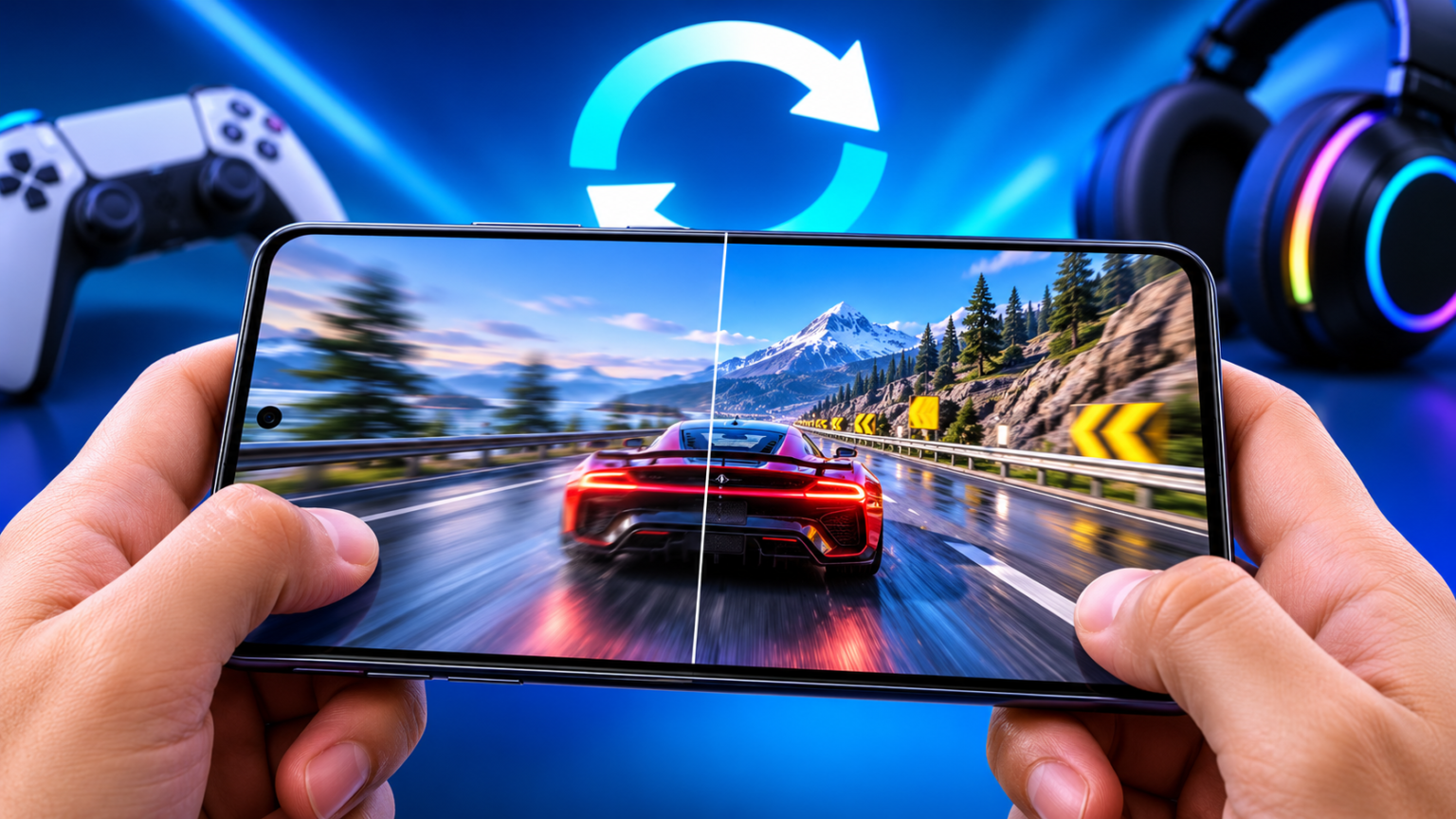

You’ve got a 120Hz screen, and now you want games that actually make it worth it. Good news: there are plenty. Let’s get into it.
What Makes 120Hz So Special?
A 120Hz display refreshes the image 120 times every second, twice as often as a standard 60Hz screen. In practice, everything feels smoother. Scrolling, camera turns, and fast movement look sharper and less blurry.
60Hz vs 120Hz: what you actually notice. The difference shows up most in fast motion. Spin the camera in a shooter at 60Hz, and the picture smears a bit. At 120Hz, it stays clear, and you can track targets more easily.
Why high frame rates matter for gaming. Smoother visuals mean quicker reactions and a more responsive feel because there’s less delay between your input and what you see. For competitive games, that can be a real edge. For casual games, it just feels great.
What You Need to Get the Most Out of 120Hz
A 120Hz screen alone isn’t enough. The game also has to run at 120fps, and your device has to keep up.
Compatible devices. Many flagship phones (Samsung Galaxy, iPhone Pro models, OnePlus, and more) have 120Hz panels. On console, a PS5 or Xbox Series X|S needs a TV or monitor that supports 120Hz, usually via HDMI 2.1. On PC, you need a high refresh rate monitor and a graphics card strong enough to push those frames.
Settings to check before you play:
- Set your display’s refresh rate to its highest option.
- Turn on the 120fps or “high frame rate” option inside the game.
- On consoles, enable 120Hz output in the video settings.
- Use a proper HDMI 2.1 cable if you’re gaming on a TV.
Best Competitive Shooters for 120Hz
Shooters are where high refresh rates shine brightest.
Call of Duty: Warzone and Mobile. Fast movement and quick fights look excellent at high frame rates. Console versions offer performance modes, and Mobile supports higher frame rates on compatible devices.
Apex Legends. Sliding, sprinting, and fast gunfights are noticeably smoother. It’s a great showcase for what a high refresh rate does.
Valorant and CS2. These are built for high frame rates. They’re not demanding to run, so even modest PCs can hit well past 120fps, and competitive players swear by it.
PUBG and BGMI. On supported phones, higher frame rate options make a big difference when you’re looking around the map and tracking moving enemies.
Best Racing Games for 120Hz
Racing games are all about speed, and speed looks better when the screen keeps up.
Forza Horizon series. Scenery rushing by looks beautiful, especially on a capable PC where you can unlock higher frame rates. Console frame rate options vary by title, so check the graphics settings.
Asphalt Legends Unite. A fun, flashy mobile racer that supports higher frame rates on compatible devices. Drifts and boosts feel super smooth.
Why speed feels better at high refresh rates. At 60Hz, fast-moving objects at the edges of the screen can look choppy. At 120Hz, they stay fluid, so you read corners and obstacles sooner.
Best Action and Open-World Games for 120Hz
Genshin Impact. Exploring and fighting in this world is gorgeous, and smooth motion makes combat flow nicely. Frame rate options differ by platform and version, so check your settings to see what your device supports.
Fortnite. One of the best examples around. Many platforms offer performance modes with 120fps, and building and fighting feel snappy.
Call of Duty: Black Ops series. Recent console entries offer 120Hz modes, and the fast campaign set pieces and multiplayer both benefit.
Best Fighting and Rhythm Games for 120Hz
Tekken and Street Fighter. Here’s the honest part: many fighting games are locked to 60fps, so you won’t see double the frames. But a good high refresh rate display usually means lower input lag and a more responsive feel, which matters a lot when you’re hitting frame-perfect combos.
Rhythm games. Timing is everything. A smoother, more responsive display makes notes easier to read and hit, and many mobile rhythm games run great on high refresh rate phones.
Best Mobile Games with 120Hz Support
Mobile gaming has come a long way. Look for these types of games:
- Battle royales and shooters: Call of Duty Mobile, PUBG Mobile, BGMI
- Racing: Asphalt Legends Unite
- Action and RPG: Genshin Impact (check your device’s options)
- Fast-paced arcade and platformers: many support high frame rates
How to enable 120fps. Open the game’s settings, head to Graphics or Display, and look for “Frame Rate” or “Refresh Rate.” Choose High, Ultra, or Extreme, depending on the game. If you don’t see the option, your device may not support it for that title yet.
Best Console and PC Games with 120Hz Modes
PS5 and Xbox Series X|S standouts. Fortnite, Call of Duty titles, Rocket League, and a growing list of others offer 120fps performance modes. Some games trade resolution or visual effects for the higher frame rate, so try both modes and see what you prefer.
PC games that scale beautifully. PC is where 120Hz really stretches its legs. Most competitive and indie games can easily hit or pass 120fps, and with a strong graphics card, even big open-world games get close with tweaked settings.
Underrated Games That Look Amazing at 120Hz
Some of the best experiences aren’t the big names:
- Rocket League: Fast, fluid, and perfect for high refresh rates.
- Hades and other action roguelikes: Quick dodges and dashes feel incredible with smooth motion.
- Indie platformers: Precision jumping feels better when every frame counts.
Hidden gems like these are cheap, easy to run, and often look better at 120Hz than games ten times their size.
Common Issues and Quick Fixes
Game not hitting 120fps. First, check that 120Hz is enabled in your device settings, then in the game itself. Close background apps, update the game and your drivers, and lower graphics settings if needed.
Battery drain and overheating. Higher frame rates use more power, and that’s just physics. On a phone, play with a case off, keep it plugged in for longer sessions, and drop to a lower frame rate in demanding games.
Adaptive refresh rate quirks. Many phones switch the refresh rate automatically to save battery. If a game feels inconsistent, set your display to a fixed high refresh rate while you play.
Is a 120Hz Display Worth It for Gaming?
Who benefits most: competitive players, anyone who plays fast shooters or racers, and people who just love smooth visuals. Once you get used to it, it’s hard to go back.
Who can skip it: if you mostly play slower strategy, puzzle, or turn-based games, you’ll notice less difference. And if your device or budget can’t support it well, 60Hz is still perfectly fine.
Final Thoughts
A 120Hz display makes games feel faster, sharper, and more responsive, but only if the game supports it and your setup is configured right. Start with the heavy hitters like Fortnite, Call of Duty, Apex Legends, and Valorant. Then explore racers and a few indie gems to see how much smoother everything feels.
Quick recap: enable 120Hz in your settings, check the in-game frame rate option, and pick games that take advantage of it. Your eyes (and your reaction time) will thank you.
FAQs
Do all games support 120Hz?
No. Many games are capped at 30 or 60fps. Always check the game’s graphics settings to see what’s supported.
Is 120Hz the same as 120fps?
Not quite. Hz is how often your screen refreshes, and fps is how many frames the game produces. You need both to line up to get the full smooth effect.
Does 120Hz drain more battery?
Yes, usually. Higher refresh rates and frame rates use more power, so expect shorter battery life on phones during long sessions.
