
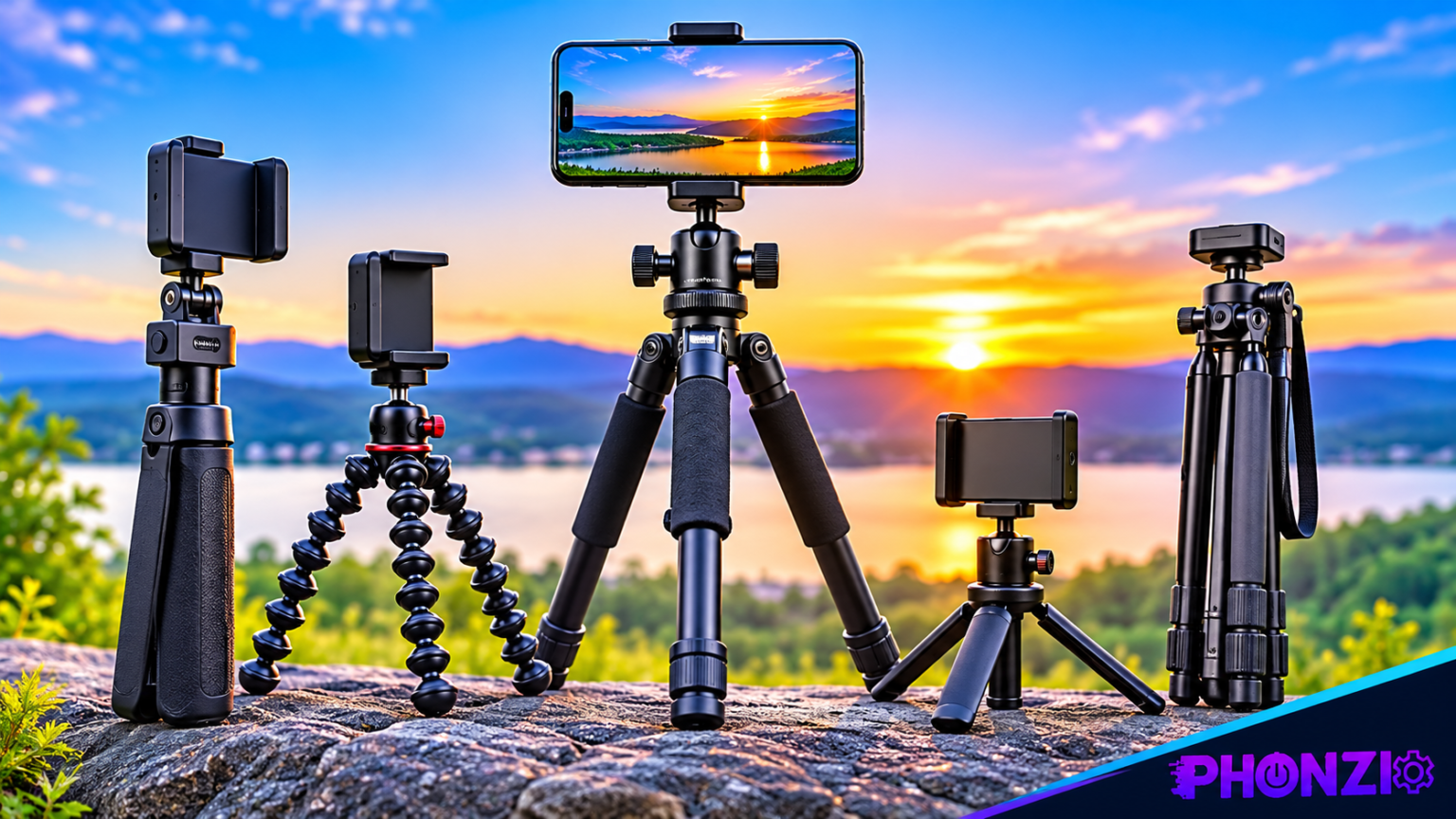

Your phone camera is ridiculously good now. Unfortunately, your hands haven’t kept up. In fact, a tiny wobble is all it takes to turn a night shot into a smear or a travel video into a shaky mess. Luckily, the fix is cheap, light, and easy to pack: a tripod.
Below, you’ll find the tripods worth buying. Besides that, you’ll learn how to pick the right type and how to get sharper shots.
Why You Need a Tripod for Mobile Photography
First, here’s what a tripod really changes.
Sharper photos in low light. At night, your phone keeps the shutter open longer and stitches several frames together. As a result, any movement blurs the final image. In fact, Apple and Google both recommend a tripod for Night mode and astrophotography.
Better video, time-lapses, and long exposures. Stabilization helps, but a locked-off phone is even steadier. Therefore, your footage looks smoother, and your time-lapses come out clean.
Hands-free shooting. Group photos and selfies get much easier when the phone stands on its own. Besides, you won’t have to squint at a stranger’s thumb in the corner of the frame.
Quick Comparison: Our Top Picks at a Glance
| Tripod | Best for | Max height | Folded length | Weight |
|---|---|---|---|---|
| JOBY TelePod TP09 Grip | Best overall | 70.87 in | 15.16 in | 19.4 oz |
| EUCOS 62-inch Phone Tripod | Best budget | 62 in | about 12 in | 12.8 oz |
| Peak Design Mobile Tripod | Compact travel | Stand only | 3.8 x 2.2 in | 2.68 oz |
| JOBY PodZilla Octo | Flexible | Bendable legs | 6.5 in | 5.15 oz |
| Vanguard Vesta TT | Tabletop | 3 7/8 in | 6 7/8 in | 0.34 lb |
| Ulanzi MT-44M | Remote shutter | 58.66 in | 13.19 in | 14.82 oz |
| JOBY GorillaPod 1K Gen 2 | Creators | Bendable legs | 10.24 in | 11.11 oz |
| Peak Design Travel Tripod | Premium | 60 in | 15.5 in | 3.44 lb (aluminum) |
Specs come from each maker’s product page, except the EUCOS, which comes from its Amazon listing. However, listings change, so double-check before you buy.
The Best Tripods for Mobile Photography
Best Overall: JOBY TelePod TP09 Grip
If you want one tripod that handles most situations, start here. For one thing, it extends to almost six feet, which puts your phone at eye level for photos of two people standing up. In addition, the clamp is built into the top, so you don’t need a magnet or a ring on your phone. It also comes with a wireless remote that works from about 33 feet away. Plus, it has a 1/4 inch thread and two cold shoes for a small light.
The catch is size. At around 15 inches folded, it needs a day bag rather than a pocket. Also, it’s the heaviest tall phone tripod on this list. Since it’s a fairly new model, there isn’t a long track record yet. Still, the extra height and the clamp make it worth it.
Best Budget Tripod: EUCOS 62-Inch Phone Tripod
This is the kind of tripod that tops Amazon with thousands of reviews, and for good reason. First, the listing promises 62 inches of height and a wireless remote. Second, the holder fits phones roughly 2.2 to 3.6 inches wide. Best of all, the whole package weighs under a pound. Overall, it’s a solid pick if you shoot now and then and don’t want to spend much.
Of course, there are trade-offs. Compared with the JOBY, you lose some height. Moreover, the specs come from the listing rather than a manufacturer’s spec sheet. Therefore, if you’ll use it daily, consider spending more.
Best Compact Travel Tripod: Peak Design Mobile Tripod
This one is about the size of a credit card and half a centimeter thick. First, it snaps onto the back of your phone with MagSafe-compatible magnets. Then it unfolds into a small stand with a micro ball head. Because it weighs just 2.68 ounces, you’ll forget it’s there until you need it.
On the other hand, a phone without MagSafe needs a Peak Design case or its Universal Adapter. Also, like any small stand, it needs a table, ledge, or wall to sit on.
Best Flexible (Gorilla-Style) Tripod: JOBY PodZilla Octo
When nothing flat is available at the height you want, bendable legs save the day. For instance, the PodZilla Octo wraps around railings, branches, and lamp posts. In addition, its suction cups stick to windows and smooth surfaces. The phone attaches by magnet, and an adapter ring is included for phones that need one. Best of all, it’s rated for 500 grams, which is plenty for a phone.
Still, use some common sense. Wrap the legs tight, and don’t hang an expensive phone off a magnet over water.
Best Tabletop Tripod: Vanguard Vesta TT
Small and light, it’s handy for far more than photos. It stands under four inches tall and weighs 0.34 pounds. Meanwhile, its ball head swivels a full 360 degrees. The holder fits phones up to 3.4 inches wide, and since it’s rated for 4.4 pounds, it can carry a small camera too. For example, you can prop your phone on a wall for a night shot or on a tray table to watch a movie.
However, height is the limit. It needs something to stand on, and for photos of people standing up, there often isn’t anything at the right level. Also, Vanguard says a Bluetooth remote is included. Yet the Amazon box contents don’t mention one, so check first.
Best Tripod with a Remote Shutter: Ulanzi MT-44M
This is a seven-section pole on a four-leg base, and it comes with a detachable wireless remote that works up to 33 feet away. Specifically, it extends to about 59 inches, folds to 13 inches, and weighs 14.82 ounces. On a MagSafe iPhone, you simply snap the phone on. Otherwise, a magnetic ring is included.
That said, a thick or wallet-style case weakens the magnet, so test the grip before you trust it. Also, it’s about a foot shorter than the JOBY, which matters if you’re tall.
Best for Vloggers and Content Creators: JOBY GorillaPod 1K Gen 2
Creators tend to bolt things onto their rigs, so this tripod is built for that. First, it has a 360-degree ball head and a 1/4 inch thread. In addition, a magnetic phone mount works at the same time, so you can run a phone and a small camera together. Finally, it’s rated for 2.2 pounds, and the legs bend around whatever you can find.
Best Premium Pick: Peak Design Travel Tripod
If you want a real camera tripod that also handles your phone, this is it. Inside the center column, a phone mount stows away and latches right onto the head. Moreover, the tripod extends to 60 inches, folds to 15.5 inches, and holds 20 pounds. The mount fits phones up to 3.54 inches wide, with or without a case. As for weight, the aluminum version is 3.44 pounds. Meanwhile, the carbon fiber one is lighter at 2.81 pounds but costs a lot more.
Admittedly, it’s serious overkill if you only shoot with a phone. However, if you’ll use it for a camera too, it’s far steadier than any pole-style phone tripod.
How to Choose the Right Tripod for Your Phone
Height and portability. First, think about the photo you take most. For people at eye level, you need a tall tripod. On the other hand, a tabletop model is smaller and cheaper if you mostly prop your phone on tables and walls. For total portability, a pocket stand wins.
Weight and stability. Even the heaviest phones are far lighter than most tripod load ratings. As a result, weight capacity is rarely the problem. Instead, stability at full height is. In fact, tall pole-style tripods get wobbly when fully extended, especially outdoors.
Material: aluminum vs. carbon fiber. Aluminum is cheaper and sturdy. Carbon fiber, on the other hand, is lighter and pricier. For a phone tripod, aluminum is plenty for most people.
Phone holder and compatibility. Check how wide the clamp opens, and measure your phone in its case. Also, remember that magnetic mounts are fast but need MagSafe, a magnetic case, or an adapter ring.
Head type: ball head vs. pan-tilt. A ball head is quicker for framing, so it works well for photos. Pan-tilt heads, however, give smoother movements for video.
Extras to look for. Finally, a remote, a cold shoe for a light, and a 1/4 inch thread are all worth having. They make it easy to upgrade your setup later.
Tripod vs. Selfie Stick vs. Gimbal: What’s the Difference?
A selfie stick puts the phone at arm’s length, and your hand is still holding it. In contrast, a tripod holds the phone completely still, so you can step into the frame or shoot long exposures. A gimbal, meanwhile, is an electronic stabilizer for moving video. It smooths out your walking, but it won’t help you take a sharp night photo from a fixed spot.
In short, use a tripod for stills and fixed shots, a gimbal for walking video, and a selfie stick for quick snaps. Besides, many phone tripods double as selfie sticks, so you get two tools in one.
How to Get Sharper Shots with Your Phone Tripod
Set up on stable ground. First, open the legs fully on flat ground. Next, lower the pole a section or two when you can. In wind, keep the tripod low and stay close to it.
Use a remote or timer to avoid shake. Touching the screen shakes the phone. Instead, use a Bluetooth remote, the volume button, or the self-timer. On an iPhone, for example, you can choose 3, 5, or 10 seconds.
Lock your exposure and focus. Press and hold on your subject until you see the lock indicator. This way, the phone won’t re-focus between shots.
Try night mode and long exposure. On iPhones, Night mode turns on by itself in low light, and the Max setting lets it capture for longer. Similarly, Pixel phones have an Astrophotography mode that kicks in once the phone is still. On Samsung phones, meanwhile, the Expert RAW app has its own astro mode.
Add a lens for even more options. A steady phone also makes clip-on wide, macro, and telephoto lenses much easier to use. If you want to experiment, our guide to the best camera lens kits for phone photography shows which kits are worth buying.
Take several shots. Finally, take a few frames, because someone always blinks. Burst mode or a few presses of the remote solves it.
Common Mistakes to Avoid When Buying a Tripod
- Buying on price or size alone. After all, a tiny tripod is no help in a field with no wall to put it on.
- Ignoring clamp width. Big phones in chunky cases are the usual culprit, so measure first.
- Skipping the remote. You can use the timer. However, a remote makes shooting several frames far easier.
- Trusting a magnet over a thick case. Test the hold before you rely on it.
- Extending the legs all the way in wind. A light pole can blow over, so keep it low.
- Buying more tripod than you need. If you already own a camera tripod, a simple phone clamp may be all you need.
Frequently Asked Questions
Do I really need a tripod for phone photography? Not always. In daylight, handheld shots are usually fine. However, for night shots, time-lapses, long exposures, group photos, and steady video, a tripod makes a huge difference.
What size tripod is best for a smartphone? It depends on the shot. For example, tall tripods (about five to six feet) are best for photos of people. Tabletop models, on the other hand, work best when you have a ledge or table. Flexible tripods fill the gap when you don’t.
Will one tripod work with any phone? Most will, as long as the clamp is wide enough for your phone in its case. However, magnetic mounts need MagSafe, a magnetic case, or an adapter ring.
Are cheap tripods worth it? For occasional use, yes. If you’ll use one daily or shoot in windy conditions, though, a sturdier, better-made model pays off.
Final Thoughts: Which Tripod Should You Buy?
There’s no single best tripod, only the best one for the way you shoot. To sum up, here’s the quick version:
- Most people: JOBY TelePod TP09 Grip.
- Tight budget: EUCOS 62-inch.
- Always in your pocket: Peak Design Mobile Tripod.
- Awkward spots: JOBY PodZilla Octo.
- Tables and walls: Vanguard Vesta TT.
- Remote and MagSafe: Ulanzi MT-44M.
- Creators: JOBY GorillaPod 1K Gen 2.
- Phone and camera: Peak Design Travel Tripod.
Ultimately, pick the photo you take most and match the tripod to it. Then you’ll notice the difference the first time you shoot after dark.
A steady phone also makes clip-on wide, macro, and telephoto lenses much easier to use. If you want to experiment, our guide to the best camera lens kits for phone photography shows which kits are worth buying.
