
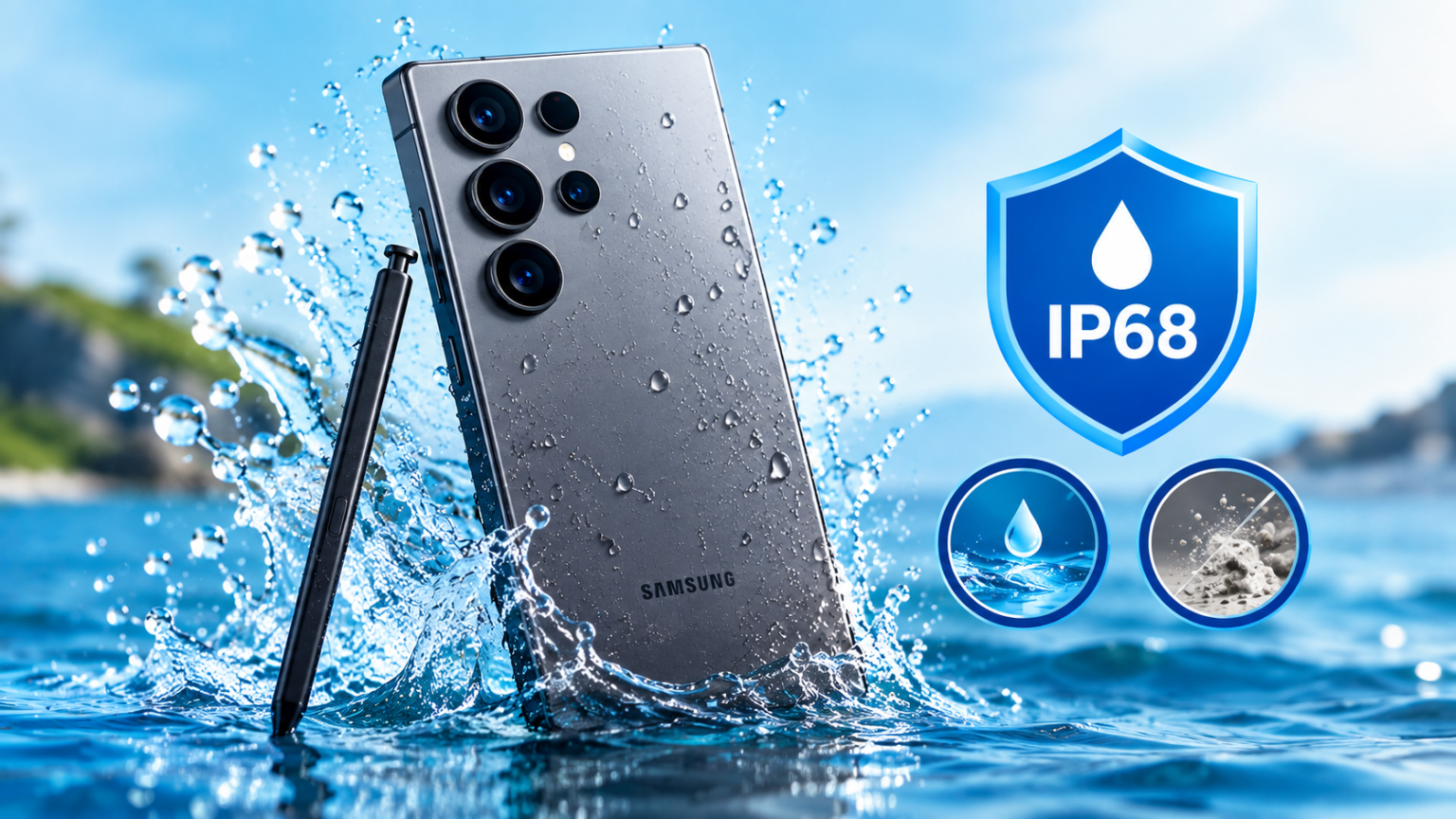
Short answer: no. The Galaxy S25 Ultra is water-resistant, not waterproof. It carries an IP68 rating, which means Samsung’s engineers tested it for dust ingress and short-term submersion in freshwater under specific lab conditions. That’s a real, meaningful layer of protection — but it’s not a guarantee against pools, oceans, showers, or a dunk that lasts longer than the rating allows.
This guide goes deeper than the spec sheet. We’ll break down exactly what IP68 covers, how it compares to other 2026 flagships, what happens to the S25 Ultra’s built-in S Pen if it gets wet, why water resistance fades with age, and what to actually do if your phone takes a swim.
What Does the IP68 Rating Mean on the Galaxy S25 Ultra?
IP stands for Ingress Protection. It’s an international standard (IEC 60529) that rates how well a sealed device resists solid particles and liquids. The rating is always two digits, and each digit has a specific meaning.
The first digit (6): dust resistance. A rating of 6 is the highest level on the scale — it means the device is completely sealed against dust, sand, and other fine particles. Nothing gets past the seals, gaskets, and port covers.
The second digit (8): water resistance. An 8 means the device can be continuously submerged in water beyond 1 meter, and manufacturers must specify the exact depth and duration they tested for. For the Galaxy S25 Ultra, Samsung specifies immersion up to 1.5 meters (about 5 feet) of freshwater for up to 30 minutes.
How Samsung Actually Tests This
The IP68 rating isn’t a real-world simulation — it’s a controlled lab test. The phone is submerged in still, room-temperature, fresh (non-chlorinated, non-salty) water at a fixed depth for a fixed time, then checked for internal moisture or malfunction. There’s no movement, no pressure changes, no temperature swings, and no contaminants like chlorine, salt, or soap.
That distinction matters more than most spec sheets let on, because everyday water exposure almost never matches those lab conditions.
IP68 vs. “Waterproof”: Why They’re Not the Same Thing
“Waterproof” implies a device is immune to water damage under any condition. No mainstream smartphone — including the S25 Ultra — carries that label from its manufacturer, and for good reason: seals degrade, ports corrode, and no rating accounts for indefinite exposure.
“Water resistant” is the accurate term, and it’s a spectrum. IP68 sits near the top of that spectrum for consumer electronics, but it’s still a resistance rating with defined limits, not an open-ended promise. Think of it like a raincoat rated for a light drizzle for 30 minutes — genuinely useful, but not something you’d wear scuba diving.
How the S25 Ultra’s Water Resistance Compares
The Galaxy S25 Ultra’s IP68 rating is solid, but it’s not the best in its class when it comes to raw depth tolerance. Here’s how it stacks up against other current flagships:
| Phone | IP Rating | Max Depth | Max Duration | Water Type Tested |
| Samsung Galaxy S25 Ultra | IP68 | 1.5 meters | 30 minutes | Fresh water |
| Samsung Galaxy S24 Ultra | IP68 | 1.5 meters | 30 minutes | Fresh water |
| Apple iPhone 17 Pro Max | IP68 | 6 meters | 30 minutes | Fresh water |
| Google Pixel 10 Pro | IP68 | 1.5 meters | 30 minutes | Fresh water |
Samsung hasn’t changed the S25 Ultra’s water resistance spec from the S24 Ultra — both are rated for the same 1.5-meter/30-minute freshwater test. Apple’s iPhone 17 Pro Max advertises a deeper 6-meter tolerance under the same IP68 label, which is a reminder that IP68 alone doesn’t tell you everything — always check the manufacturer’s specific depth claim, not just the two-digit code.
Does the S Pen Affect Water Resistance?
This is one question the spec sheet won’t answer, and it’s specific to the Ultra line.
Is the S Pen slot sealed? Yes. Samsung redesigned the S Pen bay years ago specifically to close off the gap that existed on older Note-series phones, where the stylus slot was a known weak point for dust and moisture. On the S25 Ultra, the S Pen silo is part of the phone’s sealed IP68 housing, so inserting and removing the stylus doesn’t compromise the rating under normal use.
What about writing on a wet screen? The S Pen uses electromagnetic resonance (EMR) technology, not simple touch capacitance, so it’s generally more reliable on a damp screen than your finger is. That said, water droplets sitting directly under the pen tip can still cause missed strokes or erratic input, so for anything precise — signing a document, sketching — it’s worth drying the screen first.
Should you put a wet S Pen back in the phone? Wipe it down first. Sliding a dripping S Pen back into its silo traps moisture inside a narrow, hard-to-dry channel, which is exactly the kind of trapped-moisture scenario that causes lingering problems even on an IP68-rated phone.
What the S25 Ultra Can Actually Handle Day-to-Day
In realistic, everyday terms, the S25 Ultra’s water resistance covers:
- Rain — using the phone in a light-to-moderate downpour is fine, as long as you dry it off afterward.
- Splashes and spills — a knocked-over water glass, sink splashback while washing your hands, or a drink spilling on the table won’t cause damage if you wipe it down promptly.
- Brief accidental submersion — dropping it in a sink, toilet, or shallow puddle and retrieving it quickly falls within the tested limits.
- Sweat and humidity — everyday gym use or humid climates aren’t a concern for the seals.
What It Can’t Handle
Several common scenarios fall outside what IP68 was tested for, even though people assume otherwise:
- Pool and ocean water — chlorine and salt are both corrosive to the rubber gaskets and adhesives that maintain the seal. A one-off dip probably won’t ruin the phone, but repeated exposure accelerates seal breakdown far faster than fresh water does.
- Showers — steam and hot water both stress the seals in ways the cold, still-water lab test doesn’t replicate. You’ll also get erratic touchscreen behavior from water beading on the display.
- Underwater photography — the IP68 test doesn’t account for water pressure changes from movement, or the extended, repeated submersion that swimming or diving involves.
- High-pressure water — pressure washers, powerful shower heads at close range, or jet skiing spray water at a force and angle the standard test never simulates. (This is what the separate, less common IP69K rating covers — the S25 Ultra doesn’t carry it.)
- Hot water and hot tubs — heat speeds up the same seal degradation that chlorine does.
Why Water Resistance Weakens Over Time
An IP68 rating reflects the phone’s condition on the day it left the factory — not a permanent guarantee. Several things erode it over time:
Physical impact. Every drop, even a minor one, can subtly shift internal seals or crack the frame at a microscopic level, creating a path for moisture that wasn’t there before.
Seal and gasket wear. The rubber gaskets around ports, buttons, and the SIM tray naturally lose elasticity with age and repeated flexing (like the phone warming and cooling, or being opened for repairs).
Port and speaker corrosion. Repeated exposure to moisture — even within “safe” limits — can leave mineral residue in charging ports and speaker grilles over months and years, which affects both connectivity and the seal’s integrity.
Repairs and disassembly. Any time a phone is opened — for a battery replacement, screen repair, or third-party service — the water-resistant seals typically need to be replaced correctly to maintain the original rating. A poorly resealed repair can silently void your water resistance.
This is also why Samsung, like Google and Apple, explicitly states that water and dust resistance are not permanent conditions and can diminish through normal wear.
My S25 Ultra Got Wet — What Now?
If your phone takes on water beyond a quick splash, speed and the right sequence matter more than any single trick.
- Power it off immediately and unplug it from any charger. Water and live electrical current are a dangerous, damaging combination — don’t let the phone stay on or charging.
- Remove the SIM tray. This opens a small channel for trapped moisture to escape and gives you a visual check for water inside the tray itself.
- Gently pat it dry with a soft, absorbent cloth. Focus on the USB-C port, speaker grilles, S Pen silo, and any seams — don’t rub hard or insert anything into the port.
- Let it air dry for several hours in a cool, dry spot. Standing it upright with the charging port facing down can help residual moisture drain out.
- Wait before charging. Even if the phone still turns on, avoid plugging it in until you’re confident it’s fully dry — ideally wait a few hours minimum.
Understanding the “Moisture Detected” Warning
Samsung phones, including the S25 Ultra, have a liquid-detection system built into the USB-C port. If you try to charge the phone while there’s still moisture in the port, you’ll get a warning notification blocking the charge — this is a safety feature, not a malfunction. Don’t try to bypass it by force-charging or blowing into the port. Instead, let the phone air dry longer and try again; the warning should clear once the port is genuinely dry, usually within a few hours.
Common Drying Mistakes to Avoid
- Don’t use a hair dryer or any heat source. Heat can warp internal seals and push moisture deeper into the device instead of out.
- Don’t power it on while still wet. Turning it on with residual moisture inside risks a short circuit.
- Don’t shake the phone. This can drive water further into internal components rather than out.
- Don’t bury it in rice. Rice doesn’t pull moisture out any faster than plain air drying, and rice dust or small grains can lodge in the ports and speakers, creating a new problem.
- Don’t use compressed air aggressively. A short, gentle burst near (not into) the port can help, but forceful air can push moisture past seals rather than clear it.
Does Samsung’s Warranty Cover Water Damage?
No. Despite the IP68 rating, Samsung’s standard warranty explicitly excludes liquid damage. The rating exists to reduce accidental damage in everyday situations — it’s not a guarantee Samsung will honor if something goes wrong.
If you want financial protection against water damage specifically, you generally have two options:
- Samsung Care+ — Samsung’s own extended protection plan, which typically covers accidental damage including liquid damage, usually for a deductible.
- Third-party device insurance — offered through carriers, credit cards, or independent insurers, with varying coverage terms and deductibles.
Both are worth checking before you need them, since a liquid-damaged screen or motherboard repair on the S25 Ultra can be a high out-of-pocket cost without coverage.
How to Test Water Resistance Safely (and Why You Shouldn’t)
There’s no safe way for an end user to verify water resistance without risking the phone. Any intentional “test” submersion — even within the stated 1.5m/30-minute limits — carries real risk if the phone has any existing wear, a prior repair, a hairline crack, or simply manufacturing variance. Samsung’s own lab conditions are tightly controlled in ways a bathtub or backyard pool isn’t.
The safer approach is to trust the rating for genuine accidents, avoid deliberately testing it, and rely on a protective case and mindful habits instead of pushing the limits to see what happens.
Tips to Protect Your S25 Ultra from Water Damage
- Use a rugged, well-sealed case. Beyond drop protection, a good case adds a physical barrier over ports and seams, reducing the odds of water reaching the phone’s own seals in the first place.
- Consider a dedicated waterproof pouch for situations you know involve real water exposure — boating, beach days, water parks — rather than relying on the phone’s built-in rating.
- Use port plugs or a case with covered ports if you’re regularly in dusty or wet environments.
- Dry your phone immediately after any splash, rather than assuming it’s fine and letting moisture sit.
- Avoid charging a damp phone, even if the warning hasn’t appeared yet.
FAQs
Can I take the Galaxy S25 Ultra swimming?
No. Swimming involves movement, pressure changes, and often chlorinated or salt water — all outside what the IP68 test covers. A brief accidental fall into a pool is different from intentionally swimming with it.
Can I use the S25 Ultra in the shower?
It’s not recommended. Steam and hot water accelerate seal wear, and wet-screen touch issues make the phone hard to use reliably anyway.
Does cold weather affect water resistance?
Extreme cold can make seals more brittle and less flexible, which may slightly reduce their effectiveness, though this isn’t something Samsung specifies numerically.
Will Samsung fix my phone for free if it gets water damaged?
No, not under the standard warranty. You’d need Samsung Care+ or third-party insurance that specifically covers liquid damage.
Is the S Pen itself water resistant?
The S Pen’s exterior isn’t rated the same way the phone is, but it’s designed to tolerate normal moisture exposure. Dry it before returning it to its silo to avoid trapping water inside the phone.
Does the IP68 rating get better or worse with each Galaxy generation?
Not necessarily — Samsung has kept the same 1.5-meter/30-minute freshwater rating across the S24 Ultra and S25 Ultra. A higher model number doesn’t automatically mean better water resistance; always check the manufacturer’s specific claim.
Conclusion
The Samsung Galaxy S25 Ultra’s IP68 rating gives it genuinely useful protection against the water mishaps that happen in everyday life — rain, spills, an accidental drop in the sink — but it’s not a substitute for caution around pools, showers, or extended submersion. The rating fades with time, use, and exposure to anything beyond clean, still fresh water, and Samsung’s warranty won’t cover you if something goes wrong. Treat the S25 Ultra as water-resistant, not waterproof: dry it promptly when it gets wet, avoid pushing its limits on purpose, and pair it with a good case or protection plan if water exposure is a regular part of your routine.
