
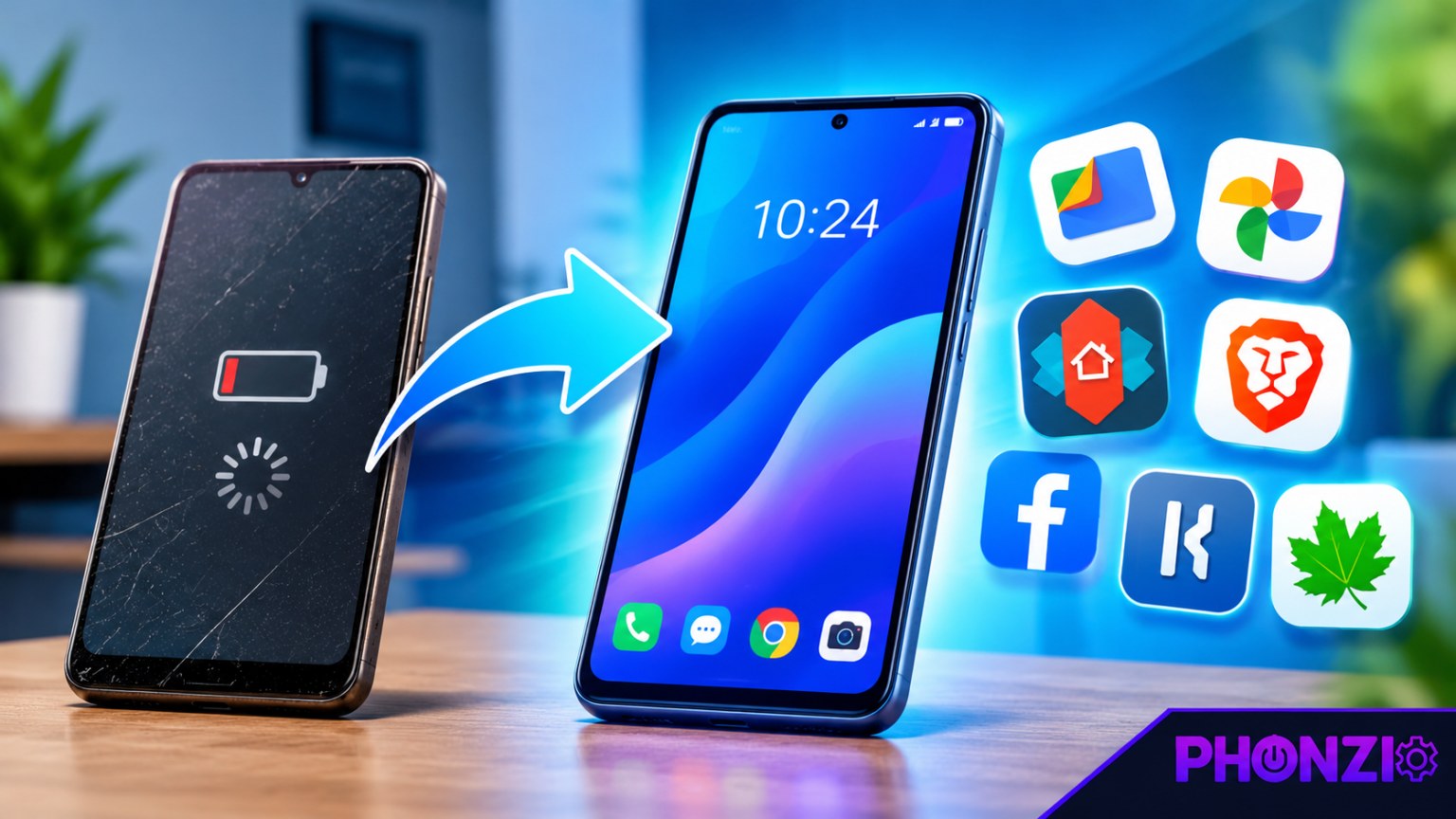

Introduction: Why Your Phone Feels Slow (and Why You Don’t Need to Replace It Yet)
We’ve all been there. Your phone used to fly, and now it stutters when you open the camera, takes forever to load apps, and dies by lunchtime. It’s easy to assume the hardware has given up.
Most of the time, it hasn’t. Slowdowns usually come from a few fixable things: a nearly full storage drive, bloated apps, too many background processes, and a cluttered home screen. The right apps can fix a lot of that, and most of them are free.
Here are seven that can make an older phone feel surprisingly fresh.
Before You Start: Quick Prep Tips
A few two-minute steps will help these apps work better:
- Update your system and apps. Updates often include performance fixes.
- Restart your phone. It sounds basic, but it clears temporary glitches.
- Uninstall apps you haven’t opened in months. Be ruthless. If you haven’t touched it since spring, it’s gone.
- Check your storage. Go to Settings and see what’s eating space. This tells you which apps below will help most.
Most of the apps here are Android-focused, since that’s where customization and cleanup tools shine. Where there’s an iPhone angle, I’ll mention it.
App #1: Files by Google: Clear Out Junk and Free Up Storage in Minutes
If your phone is almost out of storage, it will crawl. Phones need free space to run smoothly, and a full drive is one of the biggest causes of lag.
Files by Google is a free, ad-light cleanup tool that scans your phone and shows you what you can safely delete: junk files, duplicate downloads, old screenshots, and unused apps. You approve everything, so nothing disappears without your say-so.
Quick tip: Aim to keep at least 15-20% of your storage free. Run a scan once a month and you’ll rarely hit a wall again.
App #2: Google Photos: Back Up Your Memories and Reclaim Gigabytes
Photos and videos are usually the biggest storage hogs on any phone. Thousands of them, especially videos, can take up gigabytes.
Google Photos backs everything up to the cloud, then lets you delete the local copies with one tap using its “Free up space” feature. Your memories stay safe and searchable, and your phone gets room to breathe.
A heads-up: free cloud storage is limited (15 GB shared across your Google account), so you may eventually need to clean up or pay for more. Still, for most people, it’s the fastest way to clear a big chunk of space. iPhone users can get a similar result with iCloud Photos’ “Optimize Storage” setting.
App #3: Nova Launcher: Give Your Home Screen a Fresh, Faster Look
Sometimes a phone feels old simply because it looks old. Nova Launcher replaces your default home screen with something far more customizable and often snappier on older devices.
You can change icon packs, grid sizes, animations, and gestures. Want a clean, minimal layout? Done. Want swipe-up shortcuts for your favorite apps? Easy. Speeding up or turning off animations alone can make an older phone feel noticeably quicker.
It’s the single biggest visual refresh you can give your phone, and it takes about ten minutes to set up. If Nova isn’t your style, other lightweight launchers like Lawnchair are worth a look.
App #4: Brave Browser: Faster Browsing with Fewer Ads and Less Battery Drain
Your browser is probably the app you use most, and the web has gotten heavy. Ads, trackers, and pop-ups all load in the background, slowing pages and chewing through battery.
Brave blocks ads and trackers by default, which means pages load faster and use less data and power. On an older phone with a tired battery, that difference is easy to feel. It also has a built-in HTTPS upgrade and a clean, simple interface.
Switching browsers takes about a minute, and you can import your bookmarks. If you only make one change on this list, this is a strong contender.
App #5: Facebook Lite: Lightweight Versions of Your Everyday Apps
Big social apps are some of the heaviest on your phone. They run constantly in the background, load tons of media, and need plenty of memory.
Facebook Lite is a stripped-down version that uses far less storage, RAM, and data, which suits older phones and weaker connections. It does most of what the full app does, just with a simpler look and fewer extras.
The idea goes beyond Facebook. Many popular services offer lite versions, and you can also use the mobile website in your browser instead of installing the app at all. For apps you check occasionally, that’s a great way to save space and memory.
App #6: KWGT (Kustom Widget Maker): Custom Widgets That Make Your Phone Feel Brand New
Here’s the fun one. KWGT lets you design your own widgets, whether that’s a sleek clock, a weather display, a battery meter, or a calendar that matches your wallpaper.
Paired with a launcher like Nova, it can completely transform how your phone looks. There are thousands of ready-made widget packs, so you don’t have to design anything from scratch.
A practical note: keep widgets simple. A few well-chosen ones look great, while a screen packed with live widgets can use extra battery and memory. Think “stylish,” not “overloaded.”
App #7: Greenify: Stop Background Apps from Draining Your Battery
Apps running quietly in the background are a classic cause of battery drain and slowdowns. Greenify puts selected apps into “hibernation” so they stop doing things when you’re not using them.
To be upfront, newer versions of Android are much better at managing background activity on their own, so Greenify makes the biggest difference on older phones running older Android versions, which is exactly the situation we’re talking about. If your phone is recent enough that the built-in battery optimization settings do the job, you may not need it.
Either way, try it on the apps that drain the most battery (your usage stats in Settings will show you which) and see if you notice a difference.
Bonus Tips: Simple Habits That Keep Your Phone Running Smoothly
Apps help, but a few habits help even more:
- Restart weekly. It clears memory and stops small glitches from piling up.
- Clear app caches. Browsers and social apps build up junk over time.
- Turn off animations. In Developer Options, set animation scales to 0.5x or off for an instant speed boost.
- Limit auto-start apps. Not everything needs to launch the moment you turn on your phone.
- Consider a battery replacement. If your phone is otherwise fine but the battery is the problem, a new one is often cheap and makes a huge difference.
Conclusion: Is It Time for an Upgrade, or Can Your Old Phone Keep Going?
For most people, an old phone just needs some care. Clear the storage, cut the clutter, lighten the load, and give the screen a fresh look, and it can feel years younger.
That said, there are times when upgrading really does make sense: if your phone no longer gets security updates, if key apps stop supporting it, or if it’s physically damaged. If none of that applies, give these seven apps a try first. You might save yourself a few hundred dollars.
FAQs: Common Questions About Speeding Up an Old Phone
Do “phone booster” or “RAM cleaner” apps actually work?
Most don’t, and many just add ads and background processes of their own. Stick with trusted tools like the ones above.
Will a factory reset speed up my phone?
Often, yes. It clears out years of accumulated junk. Back up your data first, since a reset wipes everything.
Are these apps safe?
All seven are widely used and available through the official app stores. Always download from the Google Play Store or Apple App Store, and check recent reviews.
How much storage should I keep free?
Try to keep at least 15-20% free for smooth performance.
Can I use these apps on an iPhone?
Some, like Google Photos and Brave, work on both. Android-specific ones like Nova Launcher, KWGT, and Greenify don’t, but iPhone users can get similar results with iCloud storage optimization and built-in widgets.
Final Verdict
An old phone rarely needs replacing, just a little care. Start with Files by Google, Google Photos, and Brave Browser: together they free up storage and speed up the app you use most, which fixes the most common causes of slowdown. Add Nova Launcher and KWGT if you want a fresh look, and treat Facebook Lite and Greenify as situational picks for tight storage or older Android versions. Try these free fixes before spending hundreds on a new phone, and upgrade only if your device stops getting security updates or key apps no longer support it.
