
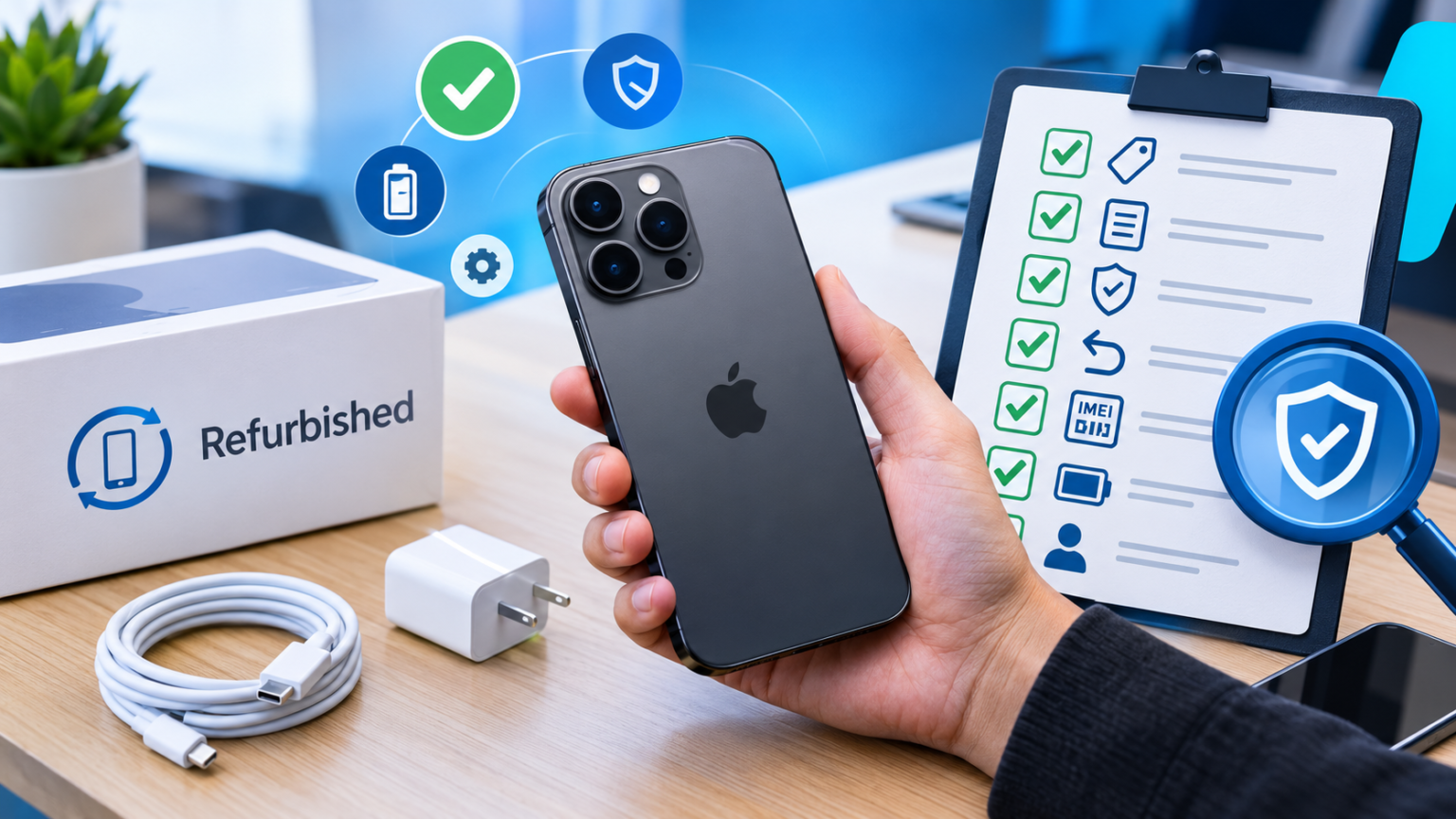
Refurbished phones are one of the smartest ways to get a flagship for less. But here’s the catch: not every phone labeled “refurbished” is what it claims to be. Some sellers swap in cheap parts, some sell locked or blacklisted ytcruu, and a few pass off outright counterfeits as the real deal.
The good news? You can catch almost all of it with a few simple checks. Let’s walk through them.
Quick Red-Flag Checklist
Short on time? Run through this before you pay:
| Check | Red flag |
| Price | Far below what trusted sellers charge |
| Listing | Stock photos, vague specs, no model number |
| Warranty | None, or “30 days” with fine print |
| Return policy | “All sales final” |
| IMEI | Doesn’t match the box, or fails a check |
| Battery | Health unknown or suspiciously low |
| Seller | New account, few reviews, pushy payment requests |
If two or more of these ring true, walk away.
What “Refurbished” Actually Means
Here’s the sneaky part: “refurbished” isn’t one standard. It means different things depending on who’s selling.
- Manufacturer-refurbished: The brand itself (Apple, Samsung, Google) inspects, repairs, and certifies the phone. This is the safest tier, usually with genuine parts and a real warranty.
- Seller-refurbished or “renewed”: A third party did the work. Quality ranges from excellent to awful.
- Open-box: Someone bought it, returned it, and it was resold. Sometimes it’s barely touched.
- Used: Exactly what it sounds like, no refurbishing guaranteed.
Grade labels like A, B, or C aren’t standardized either. One seller’s “Grade A” is another’s “Grade B.” Always read what they mean by it.
How Fake “New” Refurbished Phones Get Made
Knowing the tricks makes them easier to spot. The most common ones:
- Cheap replacement parts: Aftermarket screens with dull colors, or non-genuine cameras that look fine in the listing and awful in real life.
- Replica batteries: A “new battery” that’s actually a low-capacity knockoff.
- Counterfeit phones: Fake units that look like a flagship but run a skinned, stripped-down Android with weak hardware inside.
- Tampered IMEI numbers: Cloned or altered IDs that hide a blacklisted or stolen device.
Red Flags Before You Buy
You can dodge most scams before the phone ever ships.
Prices that feel too good. If a 2-year-old flagship is selling for half of what everyone else charges, there’s a reason. Compare a few trusted sellers first.
Vague listings. Real sellers show real photos of the actual phone, list the exact model, storage, and condition, and tell you what’s in the box. Stock images and copy-pasted descriptions are a bad sign.
No warranty or returns. A seller confident in their phones offers a solid return window and a warranty. If they won’t, ask yourself why.
Weak seller history. Check the reviews, but read the negative ones. Look for patterns like “battery died in a week” or “screen wasn’t original.” Be wary of a flood of vague five-star reviews.
Sketchy payment requests. Anyone asking you to pay by bank transfer, gift cards, or crypto, or to move the chat off the platform, is waving a giant red flag. Stick to payment methods with buyer protection.
Red Flags the Moment the Box Arrives
Before you even power it on, look at the packaging.
- Seals and labels: Is the box in good shape, and does it look like it belongs to this phone? Messy stickers or mismatched labels are suspicious.
- Accessories: Cheap, flimsy chargers and cables, or the wrong plug type, suggest corners were cut.
- Serial number and IMEI: The numbers printed on the box should match the ones on the phone. If they don’t, that’s a problem.
Physical Inspection: Check the Phone Itself
Give it a hands-on once-over:
- Frame and screws: Look for uneven seams, gaps, or scratched or mismatched screws. Those can mean the phone was opened and repaired.
- Screen: Check brightness, color, and touch response all the way to the edges. Open a plain white image and a plain black one to look for dead pixels, yellow tints, or burn-in.
- Cameras: Take photos with every lens, including the front camera. Blurry shots or a flash that doesn’t fire are warning signs.
- Buttons, ports, and speakers: Press everything, plug in a charger, and test the speakers and mic with a quick call.
Software and Settings Checks
This is where a lot of fakes get caught.
Check the IMEI. Open your dialer and type *#06#. The number that pops up should match the one on the box and in the phone’s settings. You can then run it through a free IMEI checker to see if it’s been reported lost, stolen, or blacklisted.
Confirm the specs. Go to Settings and check the model number, storage, and software version. Do they match the listing?
Look for weirdness. Strange pre-installed apps, an odd-looking interface, or software that doesn’t update are all signs you might be holding a modified or counterfeit device.
Make sure it’s unlocked. The phone should be free of any previous owner’s account (like Apple’s Activation Lock or a Google account lock) and not carrier-locked unless that was clearly stated.
Battery Health Check
Battery is the part sellers love to cut corners on.
- On iPhone: Head to Settings, then Battery, then Battery Health & Charging. You’ll see the maximum capacity as a percentage.
- On Android: Many phones show battery info in Settings or in a diagnostics tool (Samsung’s Members app, for example, has one). Pixels show battery health in the battery settings.
If the seller claimed a “new battery,” the health should be at or near 100%. Also do a quick real-world test: use the phone for an hour or so and see how fast the percentage drops. A big, fast drop is a bad sign.
Verify With the Manufacturer
Go straight to the source. Apple, Samsung, and Google all have tools where you can enter a serial number or IMEI and see details like the model and coverage status. If the phone’s info doesn’t line up with what the seller told you, you’ve found your answer.
Use IMEI checkers wisely, too. They’re great for spotting blacklisted devices, but a clean result doesn’t prove everything else about the phone is legit, so treat it as one clue, not the whole case.
Performance and Benchmark Tests
A fake can look right and still be weak under the hood. Free apps like Geekbench and CPU-Z show you the actual processor, RAM, and storage. If the phone claims to be a top-tier model but the chip is a budget one, you’ve been duped.
Then stress it: run a benchmark or play a demanding game for 10 to 15 minutes. If it lags badly or gets alarmingly hot, something’s off.
Where to Buy Refurbished Phones Safely
Your odds improve a lot if you shop smart:
- Manufacturer stores and carrier programs: Usually the safest bet, with genuine parts and real warranties.
- Reputable third-party marketplaces: Look for ones with clear grading rules, buyer protection, and solid return windows.
Whoever you buy from, ask these questions:
- What exactly does “refurbished” mean here?
- Are all parts genuine?
- Was the battery replaced?
- What’s the warranty and the return policy?
A good seller answers quickly and clearly. A shady one dodges.
What to Do If You’ve Already Bought a Fake
Don’t panic, and move fast:
- Document everything. Take photos and screenshots of the listing, the box, the IMEI, and any problems.
- Contact the seller and ask for a return or refund in writing.
- If the seller stalls, dispute the payment through your card company or the marketplace’s claim system.
- Report the seller to the platform so others don’t get burned.
FAQs
Is a refurbished phone ever truly “new”?
No. Refurbished means it’s been owned or returned before, then repaired and tested. Some come with new batteries or shells, but they aren’t brand-new.
Are refurbished phones worth it?
Absolutely, when you buy from a trusted source. You can save a lot without giving up much.
How long should the warranty be?
At least a few months is the minimum, and a year is great. Manufacturer programs often offer the longest coverage.
Can a fake phone pass an IMEI check?
Sometimes, yes. That’s why you should combine the IMEI check with the physical, software, and performance checks above.
Final Thoughts
Buying refurbished doesn’t have to be a gamble. Stick to trusted sellers, read the fine print, and run through the checks above the day your phone arrives, while you can still return it. A few minutes of testing can save you hundreds of dollars and a whole lot of headaches.
Save this checklist, share it with a friend who’s phone shopping, and go grab that deal with confidence.
