
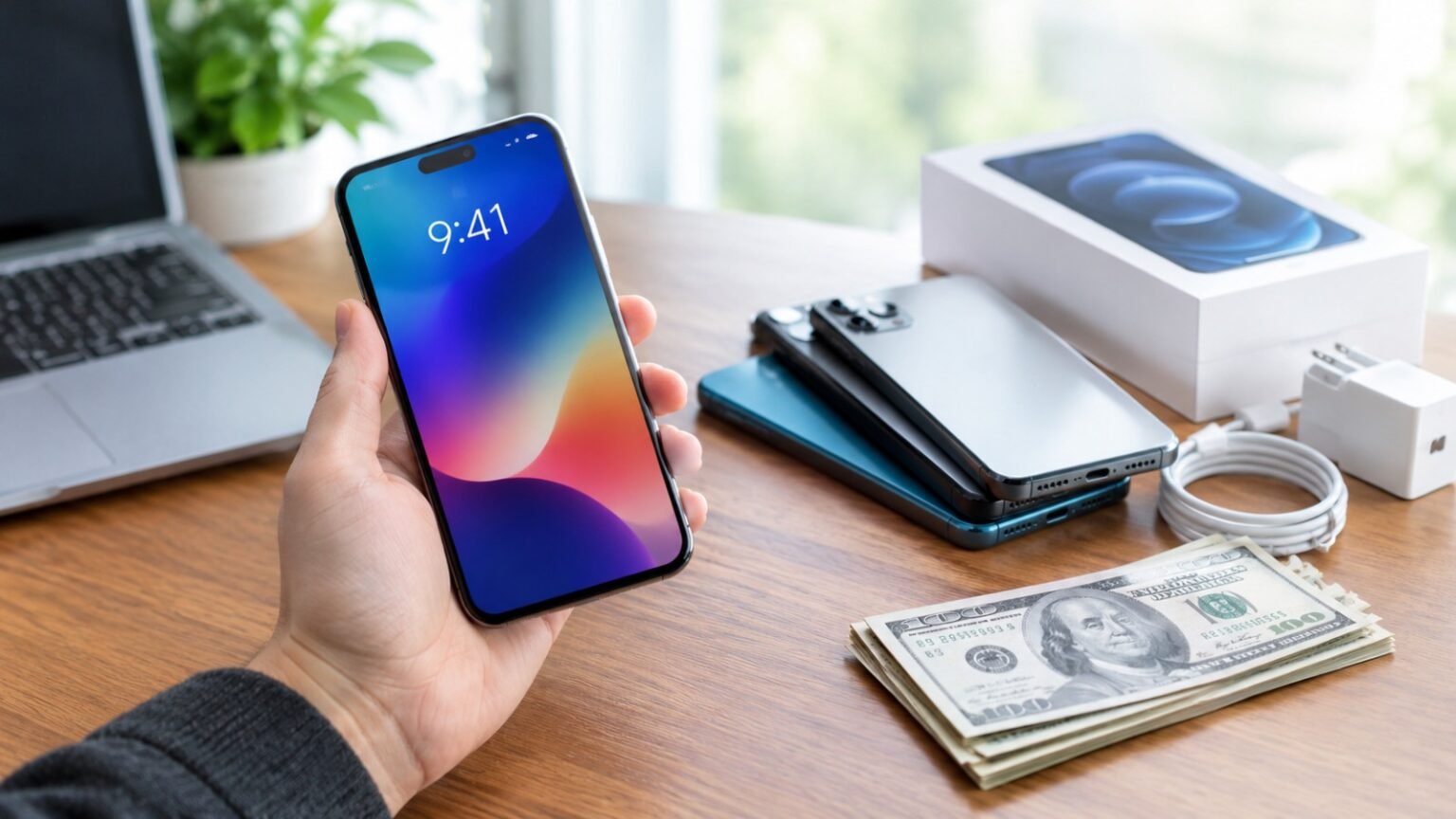
Your old phone is sitting in a drawer, losing value every month. The good news: it’s still worth real money. The bad news: the same phone can fetch very different offers depending on where you sell it, when you sell it, and how you prepare it.
At Phonzio, we’ve compared trade-in options for years, and the pattern is always the same. People who spend 30 minutes prepping and shopping around routinely get noticeably more than people who accept the first offer. This guide walks you through exactly how to do that.
Quick Answer: How to Get the Most Cash
- Sell it yourself (Swappa, eBay, Facebook Marketplace) for the highest payout.
- Use a trade-in service (Apple, Samsung, Best Buy, Amazon, Back Market) for speed and safety.
- Use carrier deals only if you’re buying a new phone anyway and the credit beats the cash offers.
- Prep the phone: clean it, back it up, factory reset it, and sell with the original box and accessories.
- Compare at least three offers before you commit.
Step 1: Know What Your Phone Is Actually Worth
Before you list or trade anything, find out your phone’s real market value. Don’t guess.
- Search for your exact model and storage size on eBay and filter by Sold Items. Asking prices don’t matter; sold prices do.
- Check Swappa listings for the same model and carrier status (unlocked vs. locked).
- Get instant quotes from two or three trade-in sites. Most take under two minutes.
Three things change value the most:
| Factor | Why It Matters |
| Model and storage | Higher storage and newer models hold value far better |
| Condition | Cracked screens and heavy wear cut offers sharply |
| Unlocked vs. carrier-locked | Unlocked phones sell to more buyers and usually sell higher |
Step 2: Time Your Sale Right
Phones lose value fastest right around new launches. When a new flagship is announced, prices on older models tend to drop as everyone rushes to sell at once.
Best timing tips:
- Sell before the new model launches, not after. Start listing a few weeks ahead of big September (iPhone) and Samsung launch windows.
- Don’t wait a full year “just in case.” Every month costs you a little.
- Watch for promo periods. Retailers and carriers sometimes boost trade-in credits during launch events and holiday sales, which can beat regular cash offers.
Step 3: Prep Your Phone Properly
A clean, well-presented phone gets better offers and sells faster. This takes about 20 minutes.
Pre-Sale Checklist
- [ ] Back up everything (iCloud, Google One, or a computer backup)
- [ ] Sign out of your accounts: Apple ID / iCloud, Google account, Samsung account
- [ ] Turn off Find My iPhone / Find My Device (buyers and trade-in sites will reject locked devices)
- [ ] Remove your SIM card and any microSD card
- [ ] Factory reset the phone
- [ ] Clean the screen, ports, and case (a microfiber cloth and a bit of isopropyl alcohol work well)
- [ ] Find the original box, charger, and cable, since complete sets can sell for more
- [ ] Check that it’s paid off if you bought on installments, as many buyers and services require it
Important: Never hand over a phone that’s still signed in to your Apple ID or Google account. It can become unusable for the buyer and may cause problems for you later.
Step 4: Choose Where to Sell
This is where most of the money is won or lost. Here’s how the main options compare.
| Option | Payout | Speed | Effort | Best For |
| Selling privately (eBay, Swappa, Facebook Marketplace) | Highest | Slower | High | Getting top dollar |
| Back Market / Gazelle-style buyback sites | Medium to high | Fast | Low | Quick, fairly priced sales |
| Apple Trade In | Medium | Fast | Very low | iPhone users upgrading |
| Samsung Trade-In | Medium to high (promos) | Fast | Low | Galaxy upgrades |
| Best Buy / Amazon trade-in | Medium | Fast | Low | Store credit or gift cards |
| Carrier trade-in | Varies (often bill credits) | Medium | Low | Switching or upgrading with a carrier deal |
Selling Privately (Highest Payout)
Marketplaces like Swappa and eBay usually beat trade-in programs because you’re selling directly to someone who wants the phone, not to a business that needs to resell it at a profit.
Pros: Best price, you control the listing. Cons: More time, messages from buyers, and some scam risk.
Tips to sell safely and well:
- Take clear photos in good light, front, back, edges, and the screen turned on.
- Be honest about scratches and battery health. Honest listings avoid returns and disputes.
- Include the exact model, storage, color, and whether it’s unlocked.
- Use platforms with seller protection and avoid payments outside the platform.
- For local meetups, choose a public place such as a store lobby, and only accept payment methods you trust.
Trade-In Programs (Fast and Easy)
If you value convenience, trade-in services are hard to beat. You answer a few questions about condition, get a quote, ship the phone with a prepaid label, and get paid by credit, gift card, or payment depending on the service.
Watch out for:
- Quote changes after inspection. If your phone arrives in worse condition than you described, the offer can drop. Describe the condition honestly and take photos before shipping.
- Store credit vs. cash. Credit is only worth the full amount if you actually plan to spend it there.
Carrier Trade-Ins (Read the Fine Print)
Carriers often advertise huge trade-in values, but they’re frequently paid as monthly bill credits over 24 to 36 months. That means:
- You only get the full value if you stay with the carrier for the entire period.
- Leave early and you may lose the remaining credits and owe the rest of the phone balance.
A carrier deal can still be the best option, especially if you’re buying a new phone on that carrier anyway. Just compare it against what you’d get selling the old phone for cash and calculate the true cost of the new phone either way.
Step 5: Compare Offers Like a Pro
Don’t take the first quote. Use this quick process:
- Get quotes from three trade-in services.
- Check recent sold prices for private sales.
- Check any current promotions from the retailer or carrier where you’re buying your next phone.
- Subtract fees: marketplace fees, shipping, and payment processing.
- Choose the highest real payout, not just the highest headline number.
Example comparison (illustrative only):
| Option | Headline Offer | Fees/Catches | Real Value |
| Private sale | Highest | Platform fee + shipping | High |
| Trade-in site | Mid | None | Mid |
| Carrier credit | Looks big | Spread over 36 months | Depends on you staying |
Mistakes That Cost You Money
- Trading in a cracked screen without checking repair cost. Sometimes a cheap screen replacement raises the sale price by more than the repair costs. Get a quote first.
- Forgetting to turn off activation locks. This can void the whole sale.
- Selling without the original box and accessories. It’s a small thing, but buyers pay for completeness.
- Waiting too long. Every new launch pushes your phone’s value down.
- Accepting the first offer. Always compare.
- Not wiping the phone. Your photos, messages, and logins are on it. Reset it properly.
Should You Repair Before You Sell?
It depends on the problem.
- Cracked screen: Often worth fixing on a recent flagship if the repair is cheaper than the price difference between “damaged” and “good condition.”
- Weak battery: A battery replacement can be a smart, low-cost fix that improves both the offer and the buyer’s trust.
- Back glass damage or major internal problems: Usually not worth fixing. Sell it as-is and be upfront.
Frequently Asked Questions
Where can I get the most money for my old phone?
Usually from a private sale on a marketplace like Swappa or eBay. Trade-in programs are easier, but they pay less on average.
Is it better to trade in or sell my phone?
If you want the most cash, sell it. If you want speed and no hassle, trade it in. Sometimes a promotion on a new phone makes the trade-in the better deal overall.
Can I trade in a broken phone?
Yes, many services accept damaged phones, but the offer will be much lower. Compare it with the cost of a simple repair first.
Do I need to unlock my phone before selling?
Unlocked phones generally sell for more because they work with any carrier. Check with your carrier about unlock eligibility once your device is paid off.
How do I erase my phone before trading it in?
Back up your data, sign out of your Apple or Google account, turn off Find My, and then perform a factory reset from the settings menu.
What if my phone still has a balance on it?
Most services and buyers want a paid-off phone. Pay off the remaining balance first, or check your carrier’s terms for trade-in with an outstanding balance.
Final Thoughts
Getting the most cash for your phone comes down to four things: know its value, time your sale, prep it well, and compare offers. A little effort up front can easily mean the difference between a forgettable payout and a meaningful chunk toward your next phone.
Ready to upgrade? Check out our phone buying guide and our best phones by budget roundups to put that cash to good use, and browse the full specs of your next phone on the Phonzio specs pages.
